Smart Lock Buying Guide: What Actually Matters
Smart Lock Buying Guide: What Actually Matters
Big-box stores sell smart locks on fingerprint scanners, voice control, and Wi-Fi everything. Most of those features won’t matter six months after installation — but the three or four things that do will matter every single day.
We install smart locks across Lake Mary every week. This guide cuts through the marketing to what actually determines whether you’ll love yours — or regret it.
The short answer
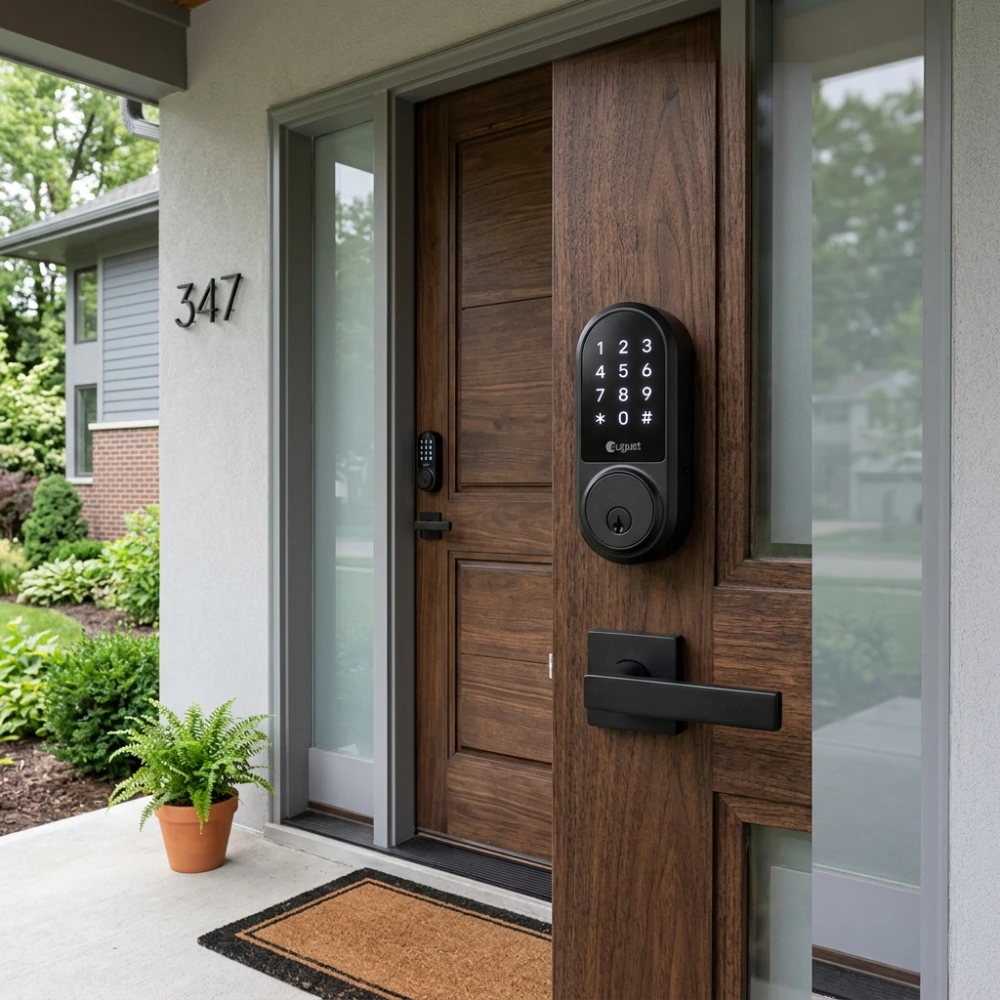
The best smart lock for most homeowners is a keypad deadbolt from an established lock manufacturer — with a physical key backup, solid battery life, and a fit that’s been checked against your actual door. Everything beyond that (phone apps, Wi-Fi, fingerprint readers) is optional, and each extra feature adds a potential point of failure.
Door fit matters more than features: buy the lock for the door you have, not the feature list you want — and budget for proper installation, because a smart lock installed crooked will drain batteries and jam within months.
Keypad, phone, or fingerprint: pick your entry method
Every smart lock gets you in one of a few ways. Here’s the honest breakdown from someone who services all of them:
Keypad (our most-recommended)
A numeric code is simple and fast — no dead phone, no Wi-Fi outage, no app update standing between you and your door. Codes are easy to share with family or cleaners, and easy to delete. For most households, a keypad deadbolt hits the sweet spot of convenience and reliability.
Phone / app control
Remote unlock and lock-status checks are genuinely useful — especially for rentals. But they add dependencies: Bluetooth range, Wi-Fi reliability, app accounts, firmware updates. Treat phone control as a bonus on top of a keypad, not a replacement.
Fingerprint / biometric
Fingerprint readers are fast when they work, but they’re more sensitive to wet or dirty fingers than marketing suggests — worth knowing in Florida. We cover these in detail on our biometric fingerprint locks page.
The rule
Whichever method you choose, the lock must also have a standard mechanical key override. Electronics fail; batteries die; firmware glitches. A smart lock with no key backup is a lockout waiting to happen.
The non-negotiables — whatever you buy
Before you compare brands or features, make sure any lock you’re considering clears these bars:
- Mechanical key backup. Non-negotiable. If the electronics fail and there’s no keyway, you’re calling us for an emergency opening instead of just turning a key.
- Established lock manufacturer. Smart lines from proven lock makers — Schlage and Kwikset’s smart deadbolts, for example — are built on decades of mechanical lock engineering. The lock is still a lock first; the “smart” is layered on top of real deadbolt hardware.
- Realistic battery life. Look for 6–12 months on standard use. Wi-Fi models drain faster than Bluetooth or keypad-only — that’s physics, not a defect — and low-battery warnings should be loud and early.
- BHMA/ANSI grading. A Grade 1 or Grade 2 rating means the lock’s mechanical core has actually been tested for strength and cycles. Many no-name smart locks skip this entirely.
- Your door’s measurements. Door thickness, backset, and bore diameter must match the lock. Florida homes mix older and newer doors — measure before you order, or have a pro check during smart lock installation.
Wi-Fi vs. Bluetooth vs. keypad-only: the reliability ladder
Connectivity is where most buyers overbuy. Each step up adds convenience — and each step up adds something that can break:
- Keypad-only (most reliable). No wireless anything. Codes work, batteries last longest, nothing to hack remotely because there’s nothing connected. If you just want keyless entry, stop here.
- Bluetooth. Adds phone control when you’re near the door. Modest battery impact, no Wi-Fi dependency. A good middle ground.
- Wi-Fi. Full remote access from anywhere — check lock status from the office, let the cleaner in from another state. Also the biggest battery drain, a dependency on your home network, and the largest attack surface. Worth it for rentals and frequent remote access; overkill for many families.
Match the connectivity to an actual need. “Let my mother-in-law in while I’m at work” is a real need; “unlock the door from the couch” is a feature you’ll use twice. And keep the mechanical key somewhere sensible — a smart lock is still bolted to a deadbolt that needs to be solid.
What to skip
- No-name brands with no BHMA rating. If the manufacturer has no track record in locks and no independent testing grade, the “smart” features are decorating a weak lock.
- Locks with no physical key backup. Already covered, but worth repeating — this single missing feature turns every dead battery into a lockout call.
- Handle-set “smart” replacements for your only deadbolt. A smart lever or knob without a deadbolt above it is a downgrade in security, however clever the electronics. Pair smart entry with a real deadbolt — or a high-security lock if you want the best of both.
- Buying before measuring. The most common DIY regret we see: a lock that doesn’t fit the door’s backset or thickness, installed anyway, jamming within weeks.
When to call a professional
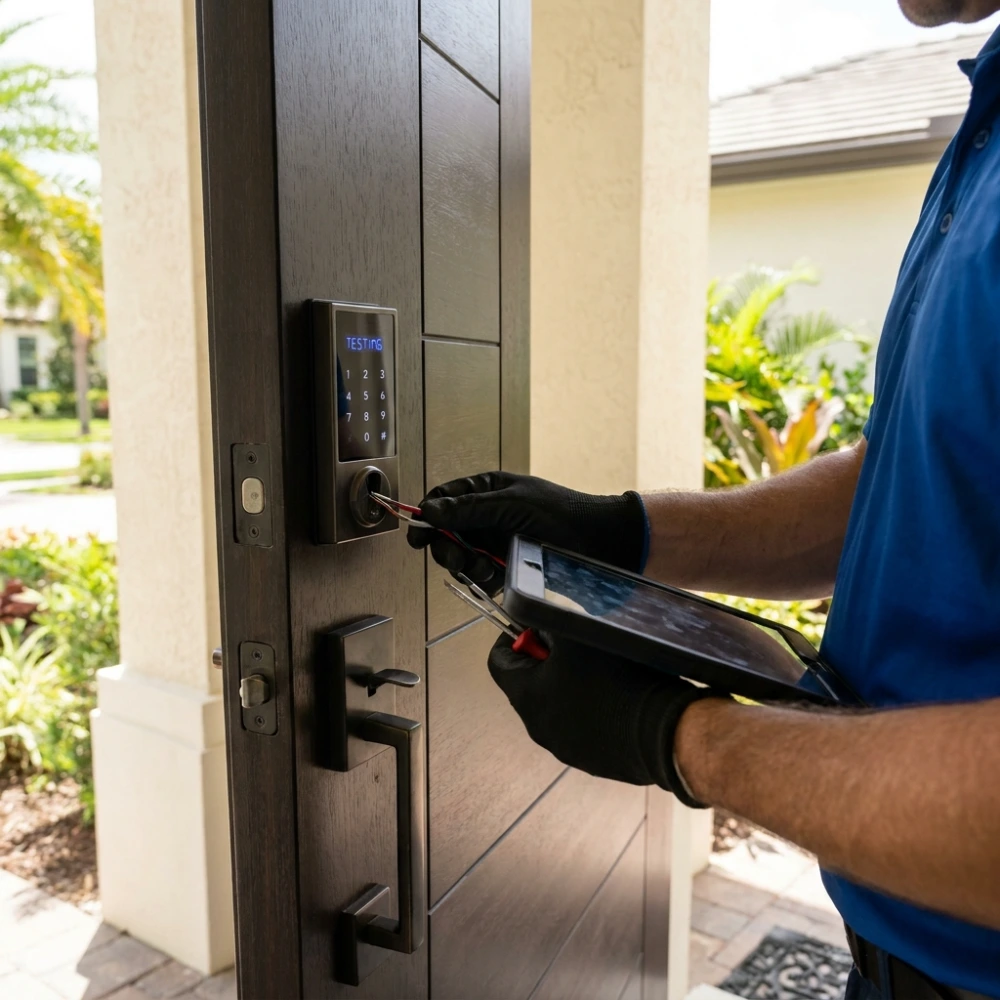
Swapping a like-for-like deadbolt on a modern, well-aligned door is reasonable DIY. Call a pro when the door is older or misaligned, the backset is non-standard, it’s a metal or fiberglass door, or the strike plate needs reinforcement — a smart lock on a weak frame is still a weak entry. Pro installation means correct alignment, current firmware, and a walkthrough of the backup key and code management before we leave.
We install and service all major smart lock brands across Lake Mary — see our smart lock installation service, or get in touch for an unbiased opinion before you buy.
Related Guides & Services
Buying the lock is only half the job — these cover choosing, installing, and living with the right hardware:
- smart lock installation in Lake Mary — professional fitting, setup, and programming
- high-security locks — pick- and bump-resistant options worth knowing about
- residential locksmith services — lockouts, rekeying, and repairs for Lake Mary homes
- rekey vs. replace guide — an honest decision guide for the locks you already have
Frequently asked questions
What is the most reliable type of smart lock?
A keypad deadbolt from an established lock manufacturer, with a mechanical key backup. Keypad-only models have the fewest points of failure — no Wi-Fi dependency, longest battery life, and codes that work even when your phone is dead.
Do smart locks need Wi-Fi to work?
No. Keypad and Bluetooth models work fully without Wi-Fi. Only remote features — locking or checking status from away from home — need a Wi-Fi connection. If you don’t need remote access, skipping Wi-Fi gives you better battery life and fewer things that can go wrong.
What happens to a smart lock when the batteries die?
A well-designed lock warns you well in advance with beeps and app notifications, and most allow a 9V battery touched to external contacts for emergency power. But the real safety net is the mechanical key backup — which is why we consider a keyway non-negotiable on any smart lock.
Are smart locks safe from hacking?
Reputable locks from established manufacturers use encrypted communication and are quite resistant to remote attack — the realistic risk for most homes is far lower than the risk of a weak strike plate or an unlocked window. That said, keypad-only models have essentially no remote attack surface at all, which is one more reason they’re our default recommendation.
Can a smart lock be installed on any door?
Most standard residential doors, yes — but door thickness, backset, and bore size must match the lock, and the door needs to be reasonably well aligned. Older doors, metal doors, and non-standard backsets are the common trouble spots. When in doubt, have a locksmith check the door before you buy the lock.
Do you install smart locks in Lake Mary, FL?
Yes — we install, configure, and service smart locks from all major brands across Lake Mary, Heathrow, Timacuan, and surrounding Seminole County areas, including keypad, Bluetooth, Wi-Fi, and biometric models. We can also advise you before you buy so you get the right lock for your door. Call (321) 399-2995 or request service online.
Buying a smart lock? Get advice before you spend.
Tell us about your door and what you need the lock to do — we’ll point you at the right type, and install it properly so it actually lasts. Serving Lake Mary and Seminole County.